Select Version of EA Desktop:
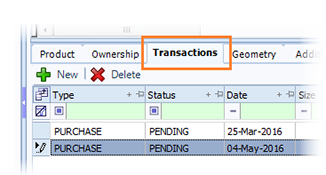
The Transactions tab provides a record of transactions associated to a sweismic record or multiple records.
To enter a transaction:
-
Select the seismic record or records in the Seismic Properties grid.
-
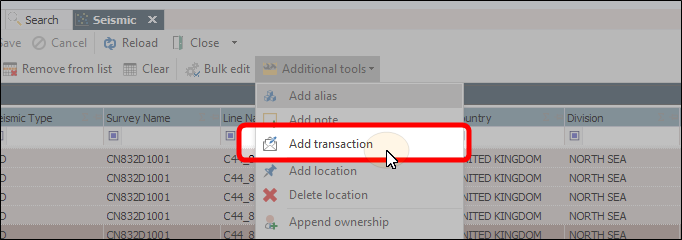
from the Additional Tools drop-down select Add transaction
-
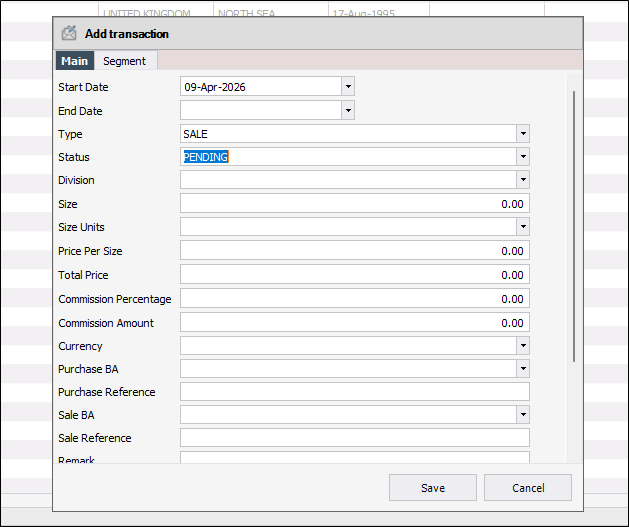
The Add transaction window opens.
 Note:
Note:You'll see 2 fields (Type and Status) with a red X beside them. These fields are mandatory.
Select the values for these fileds from the drop-down lists for each one. When the values are selected, the X's will clear.
-
When all the fields are filled out, select Save. The windows will close and the details will appear in the Transactions module in the Related records panel.
Click the Transactions tab and click New to add a row to the grid. Enter the relevant information and click Save.